With videos, exercises in a demo project and a personal live call.
Our PlantTools eTrainings are self-paced courses on our learning platform. Each lesson shows you one function step by step in AutoCAD Plant 3D. Then you practise straight away in the demo project that comes with the course. You collect your questions right in the course. If needed, we answer them with you in a short live call.
Explainer video: How the PlantTools eTraining works
Your benefits
Learn flexibly, practise straight away and never on your own.
Learn when it suits you
All videos are available around the clock for 14 days. Pause, rewind, repeat, as often as you like.
Practise, don't just watch
Every lesson comes with an exercise in the demo project, including a sample solution. You work with the software from day one.
Your questions answered
Write down your questions right in the course. If needed, we answer them in a short live call with our PlantTools team, including questions about your own project.
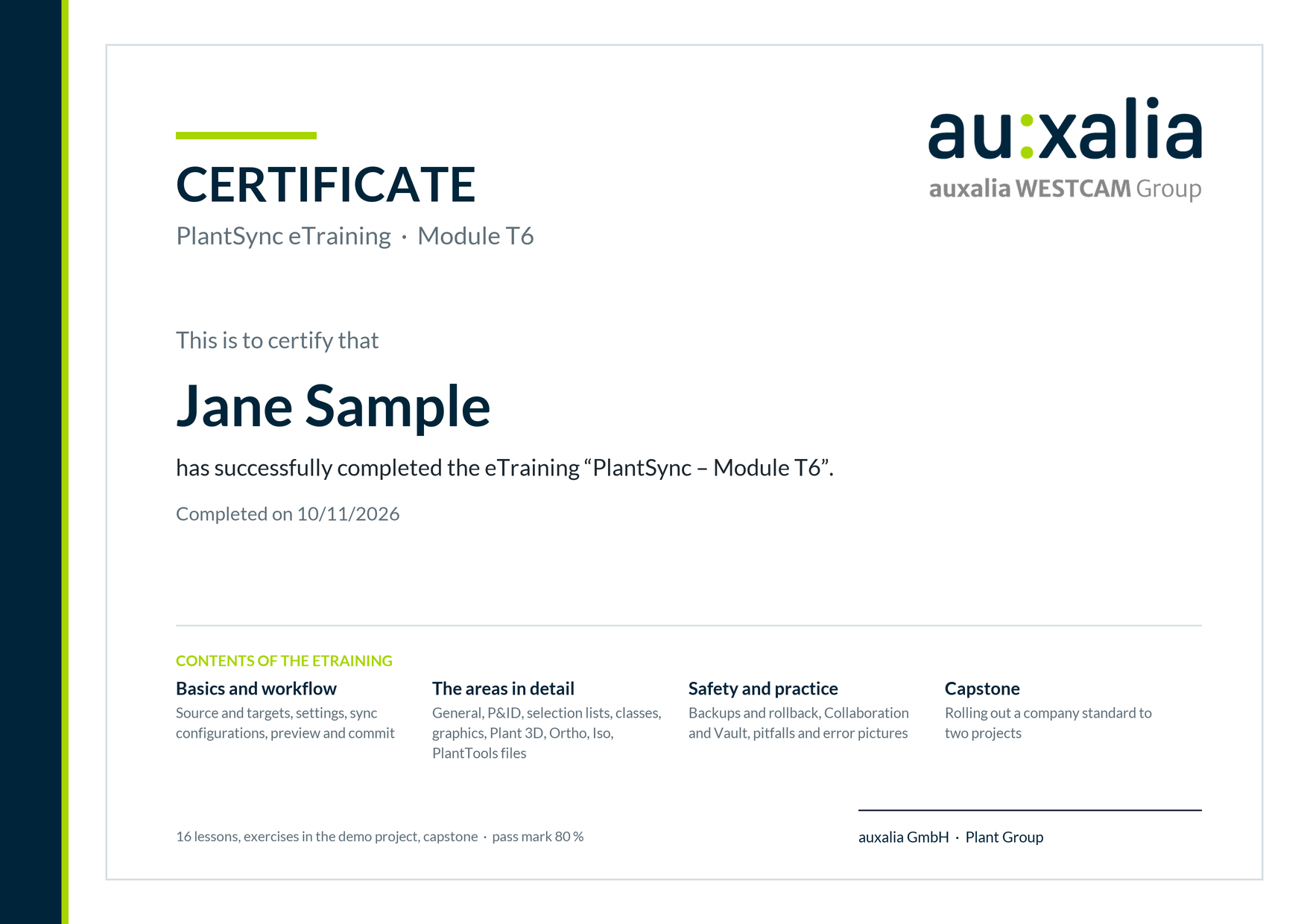
Certificate
Pass the final test (80 % or more) and receive an auxalia certificate you can share on LinkedIn.
eTraining components
Our eTraining combines four building blocks: flexible, practical and easy to follow.
Short lessons of 4 to 10 minutes, narrated and shown step by step in AutoCAD Plant 3D. Every lesson ends with the result on screen.
One task per lesson in the demo project you download in the course. Sample solution to compare.
Short questions after each lesson and a final test at the end. Score 80 % or more to receive the certificate.
The course has a space for your questions. If needed, we go through your questions together in a short live call (Microsoft Teams).
How the eTraining works
Four steps, no fixed workshop dates.
1
Sign up
You receive your login for the learning platform by e-mail.
›
2
Learn for 14 days
Watch the videos, practise in the demo project, take the knowledge checks. Your pace, your order.
›
3
Collect questions
Anything unclear or related to your own project goes into the questions space.
›
4
Final test & certificate
Score 80 % or more to receive your certificate. If needed, we clear up open questions beforehand in a short live call.
How long does a module take?
About 2 to 2.5 hours of video per module, plus the exercises. Most participants finish a module comfortably within the 14 days alongside their daily work, with about 30 minutes a day.
Module
Lessons
Video
With exercises
Live call
PlantDataManager (PDM)
18
approx. 2¼ h
approx. 4 h
if needed
PlantReporter (PR)
19
approx. 2¼ h
approx. 4 h
if needed
PlantSync (PS)
16
just under 2 h
approx. 4 h
if needed
Our PlantTools eTrainings
Start with the module you need right now.
PlantDataManager
Review, edit, import and apply project data in Plant 3D safely. 18 lessons, German and English.
Pass the final test (80 % or more) and receive an auxalia certificate for your module: right on the learning platform, to download and share on LinkedIn.
FAQ
AutoCAD Plant 3D (the videos show version 2027) and PlantTools 10.2 or later. You will find the link to the free trial version on the page of each eTraining under Requirements.
Your access ends. You keep your certificate and the demo project.
The live call is optional. If a question cannot be answered in the course, write it in the questions space and ask for a live call. We will get back to you with a suggested date.
Yes. Just get in touch with us using the form below.
Do you have questions about the PlantTools eTraining?
Tell us which module you are interested in or what you would like to clarify in advance. Our PlantTools team will get back to you.